
Offline-First Restaurant POS Built for Indian Restaurants
Create bills, print KOTs, record cash, UPI and card payments, manage menus and keep up to five restaurant terminals synchronised — even when the internet is unstable.
KhanaBook software currently has no subscription fee. Payment gateway, hardware and optional service charges may apply. Pricing may change in the future.
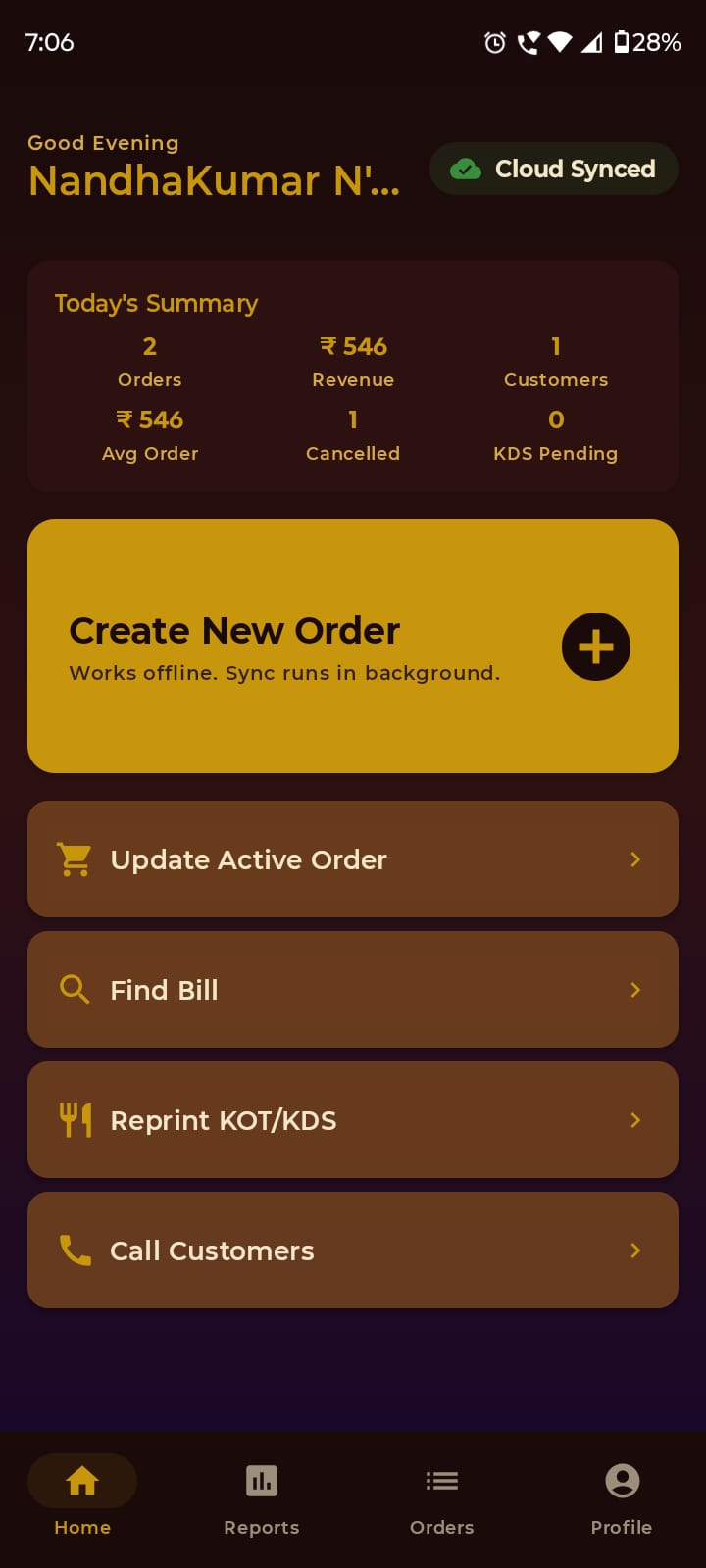
Built for restaurants, cafés, cloud kitchens and more
An all-rounder restaurant POS.
Everything that happens between an order landing and the bill closing — handled in one app.
Billing that keeps up with service
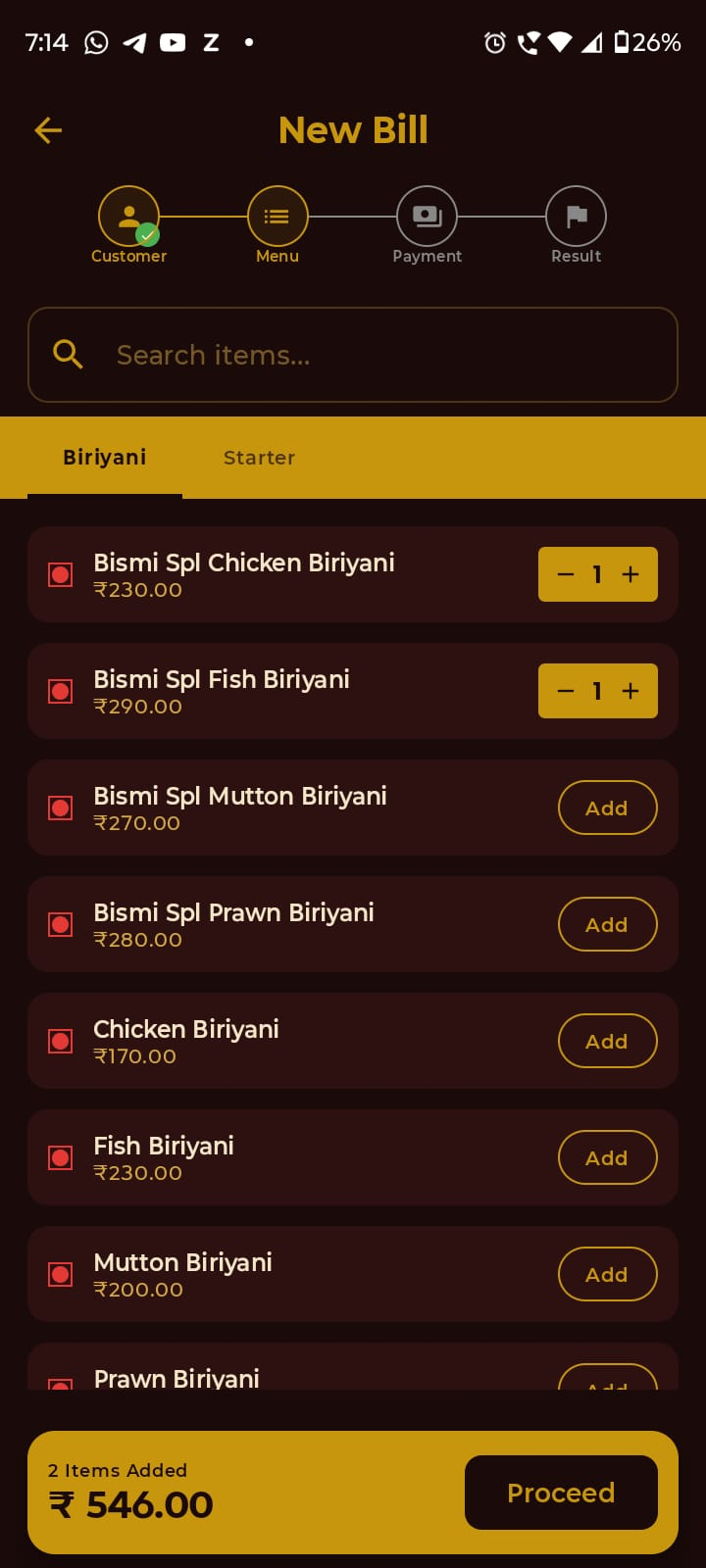
Create dine-in, takeaway and manually recorded online orders in a few taps. Use pay-before or pay-after workflows, record cash, UPI, card or split payments, and create a PDF invoice for sharing through WhatsApp or SMS.
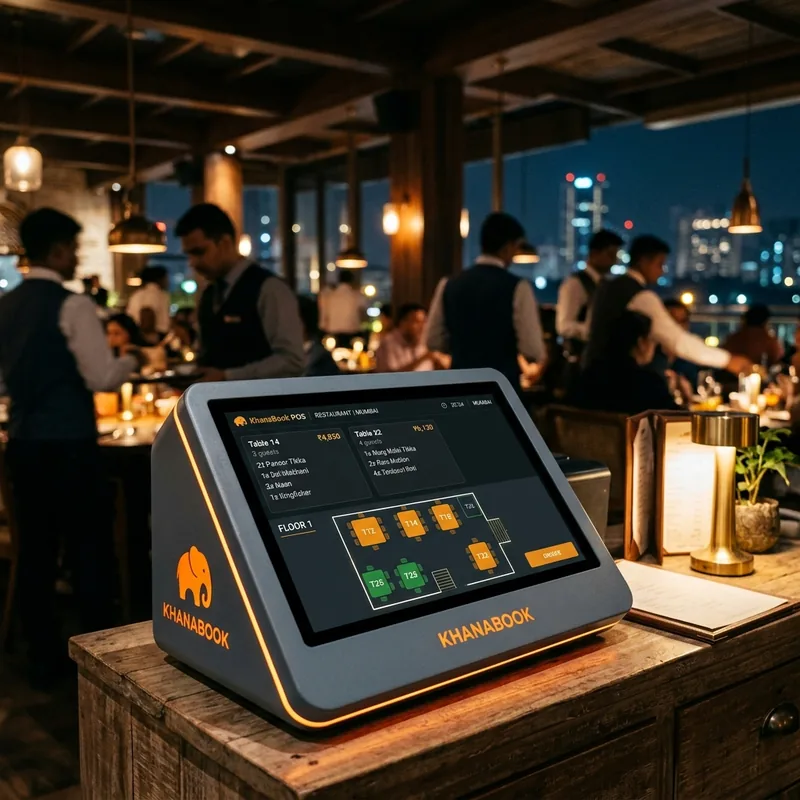
One restaurant, up to five terminals
Every approved terminal gets its own identity, invoice series and daily order counter. Active orders stay on the device handling them, while finalised records become available in restaurant-level reports after synchronisation.
A dedicated printer for each job
Connect up to two compatible Bluetooth thermal printers—one for customer receipts and one for KOTs. Update, cancel or reprint KOTs when an active order changes.
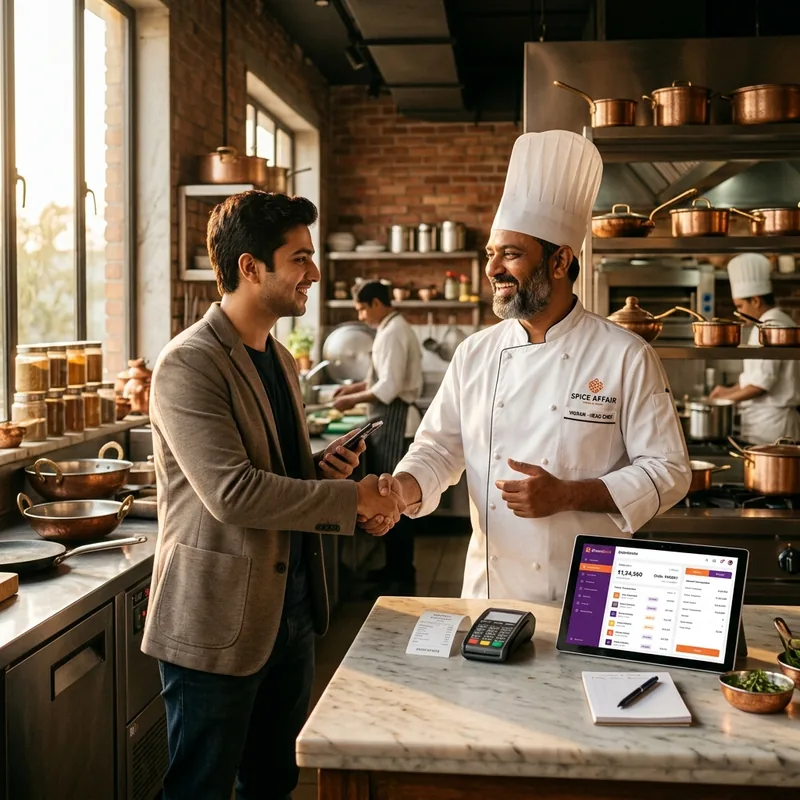
Offline at the counter, synced when connected
Billing, menu access and KOT printing continue during temporary connectivity interruptions. Eligible pending records synchronise when connectivity is available, and the app shows their status.

Works with the setup you already have.
Core operations during connectivity interruptions
Supported Android phones & tablets
Touchscreen or keyboard billing
Up to two compatible Bluetooth printers
Tax-computed bills and invoice sharing
Terminal-level access control
Do more with one restaurant app.
Every area of KhanaBook, in one place. Click through for the full capability list.
Billing & Payments
Handle common restaurant order types in one flow. Online orders are recorded manually as an order source.
Explore all featuresMulti-Terminal Operations
Each approved device operates as its own terminal with its own settings.
Explore all featuresKitchen Operations
Create Kitchen Order Tickets from the order screen.
Explore all featuresOffline-First Reliability
Continue core counter operations when the internet is temporarily unavailable.
Explore all featuresMenu & Inventory
Structure the menu around the restaurant's categories and item options.
Explore all featuresReports & Administration
Review restaurant performance by supported reporting period.
Explore all featuresWhat KhanaBook looks like.
Click a feature to see how it works in the app.
Billing
Create GST bills for dine-in, takeaway and manually-recorded online orders. Tax is computed automatically.
From the KhanaBook blog.
Why offline-first billing matters for Indian restaurants
Why treating the local device as the source of truth keeps billing running when the network doesn't.
Read moreProductHow multi-terminal restaurant billing should work
A short guide to terminal identity, invoice series and why isolating active orders prevents chaos on a busy floor.
Read moreKitchenA practical guide to KOT printing
How to route Kitchen Order Tickets across multiple printers without confusing the kitchen.
Read moreCommon questions.
Ready to run smarter?
Get KhanaBook set up for your restaurant — billing, KOT, payments and up to five terminals in one Android app.